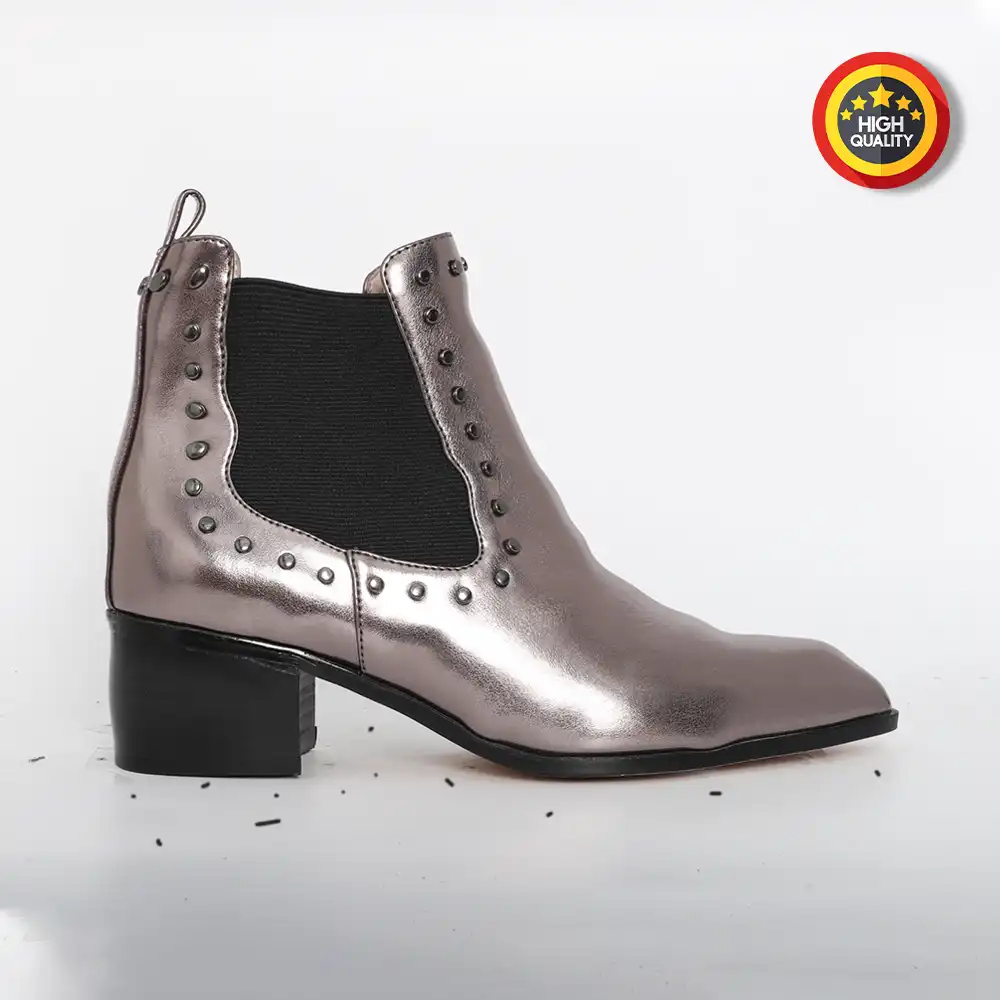
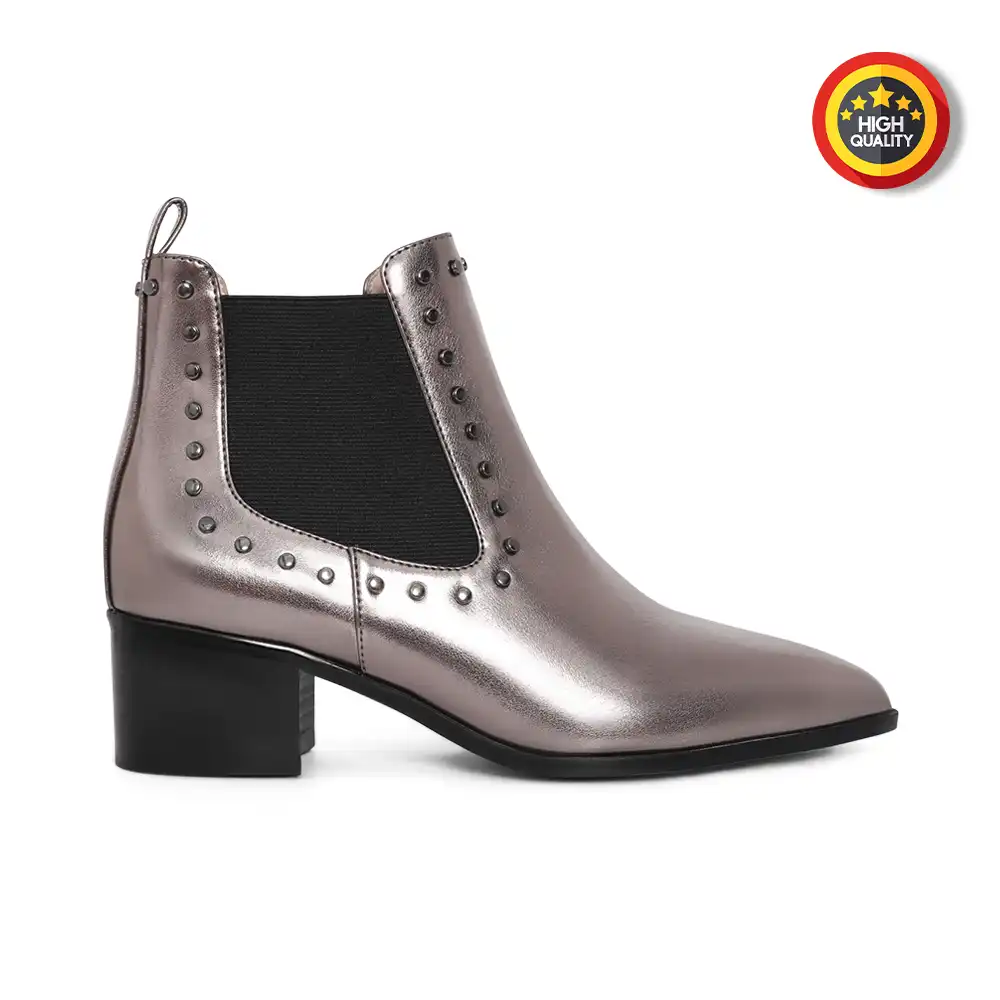
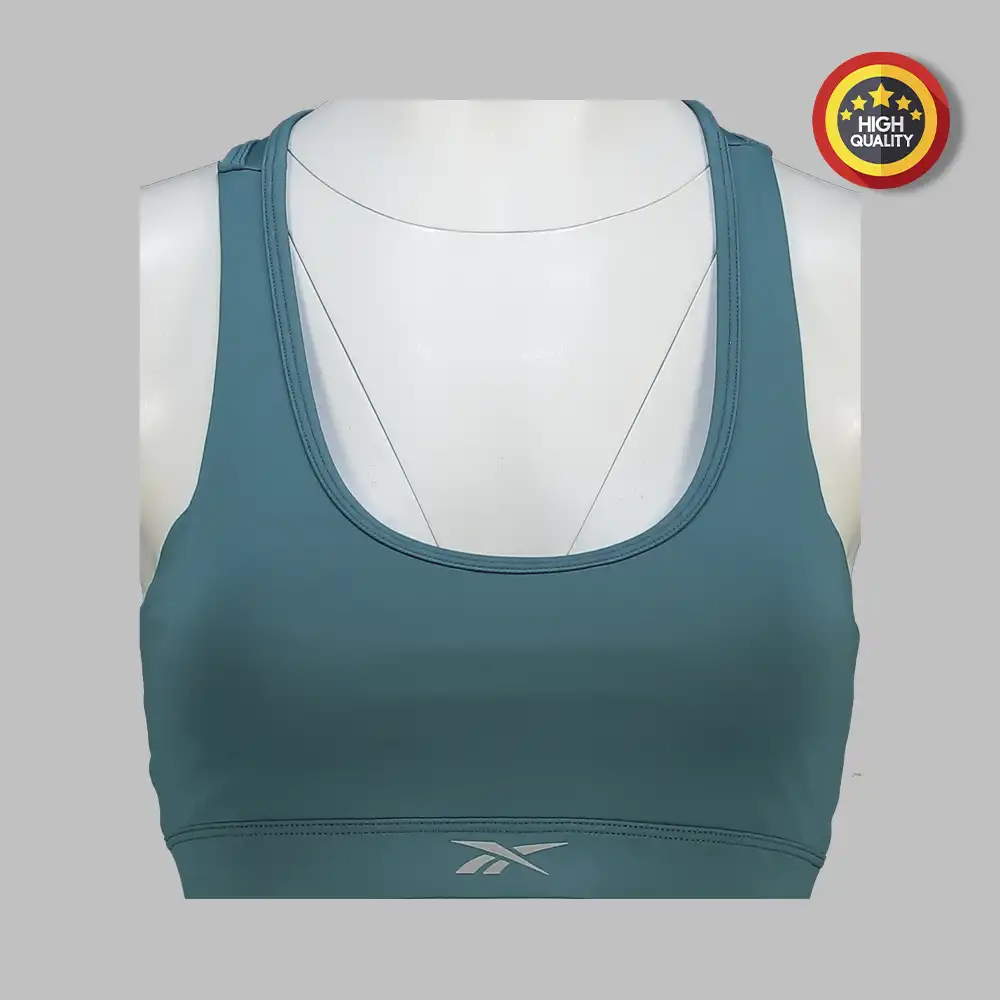
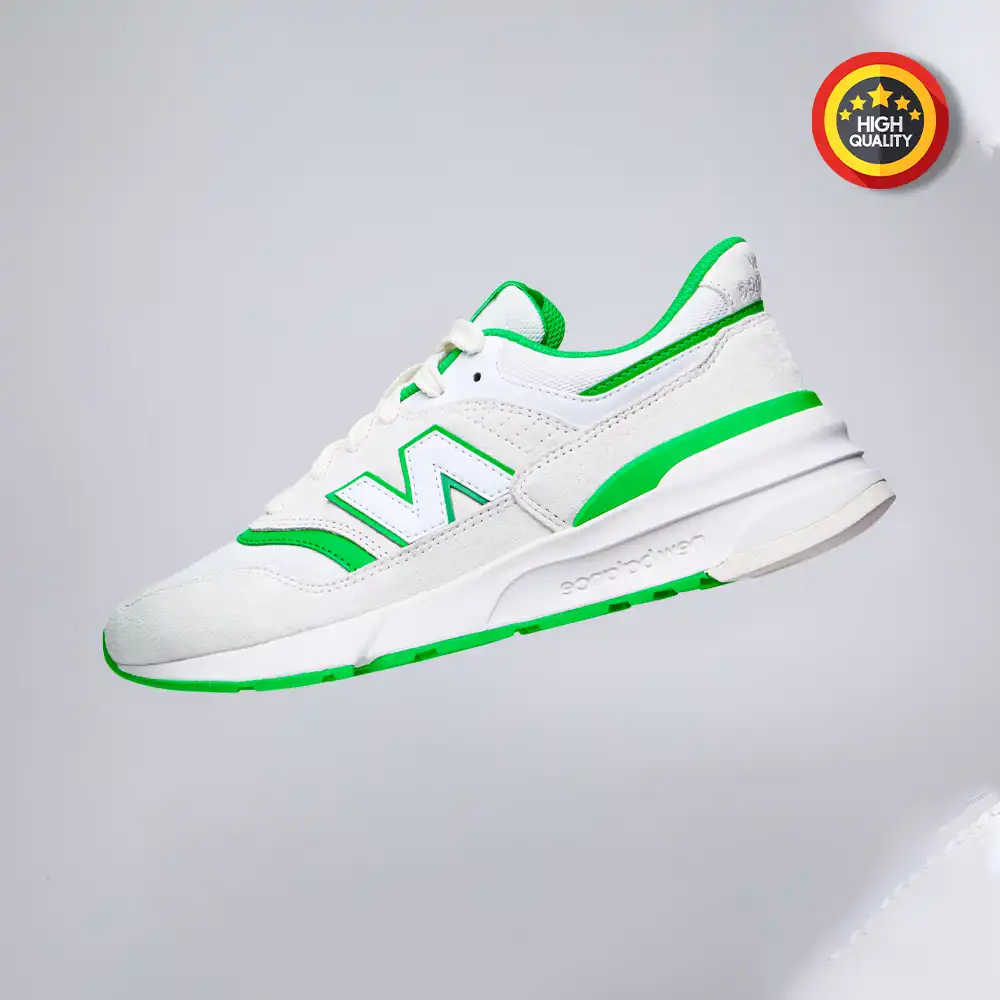
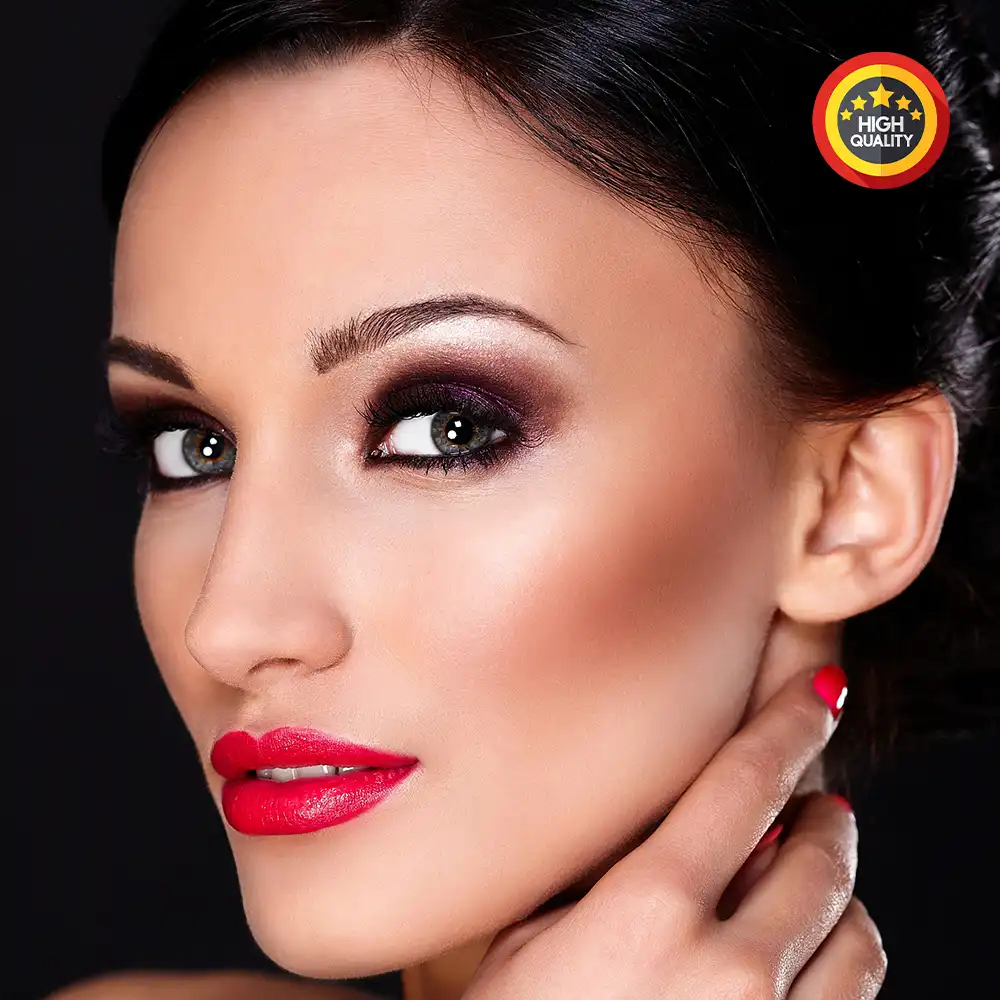
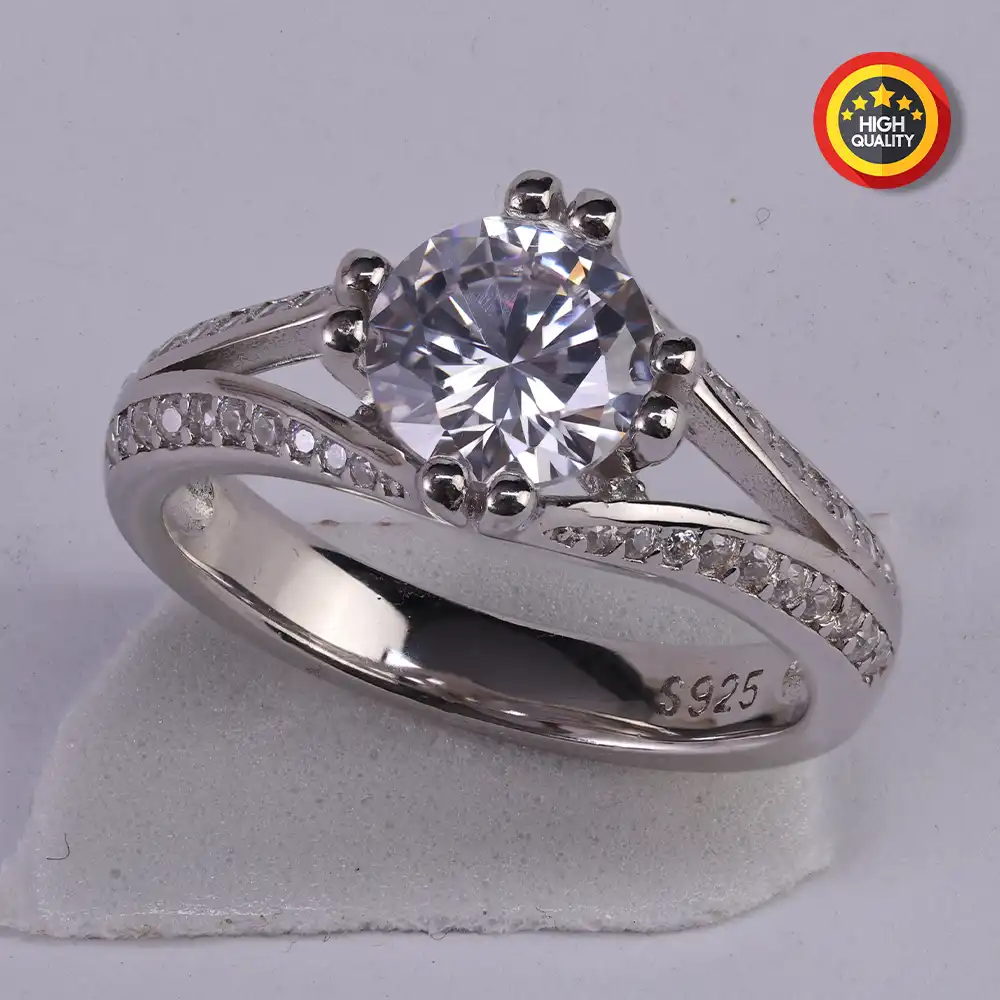
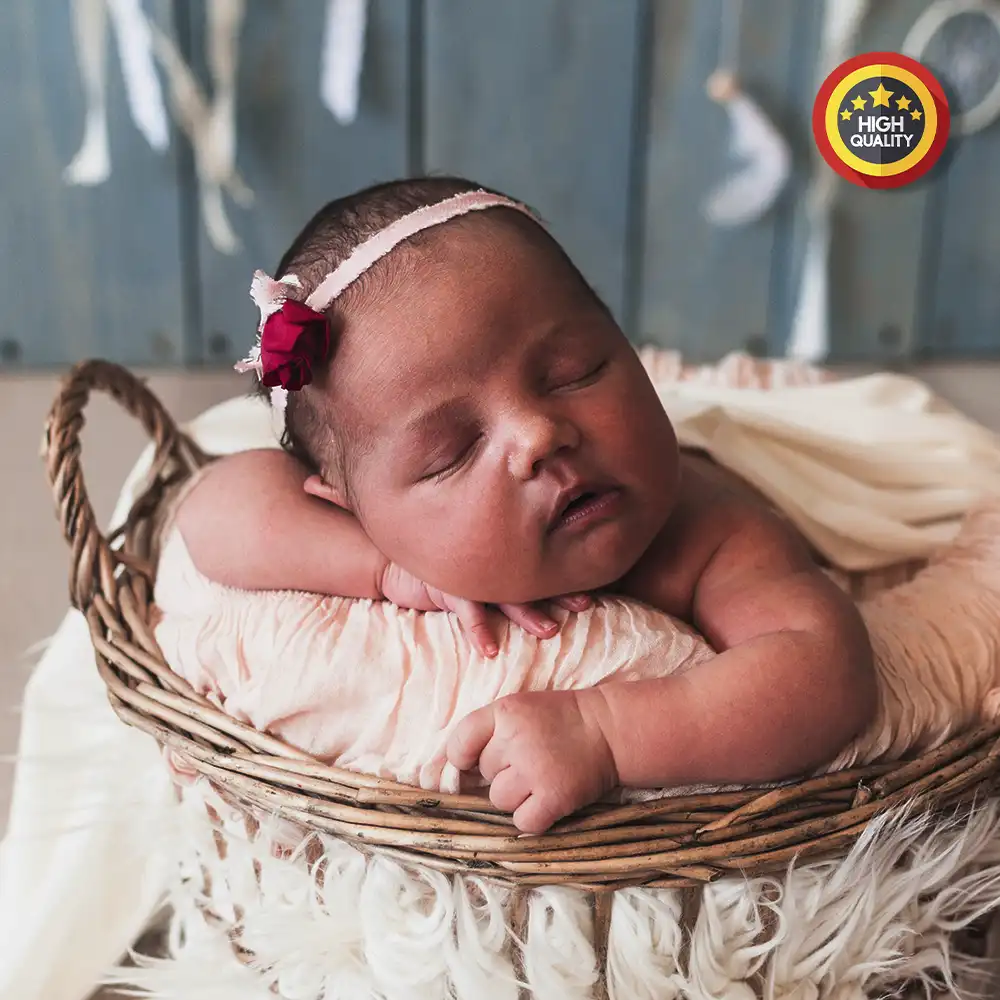
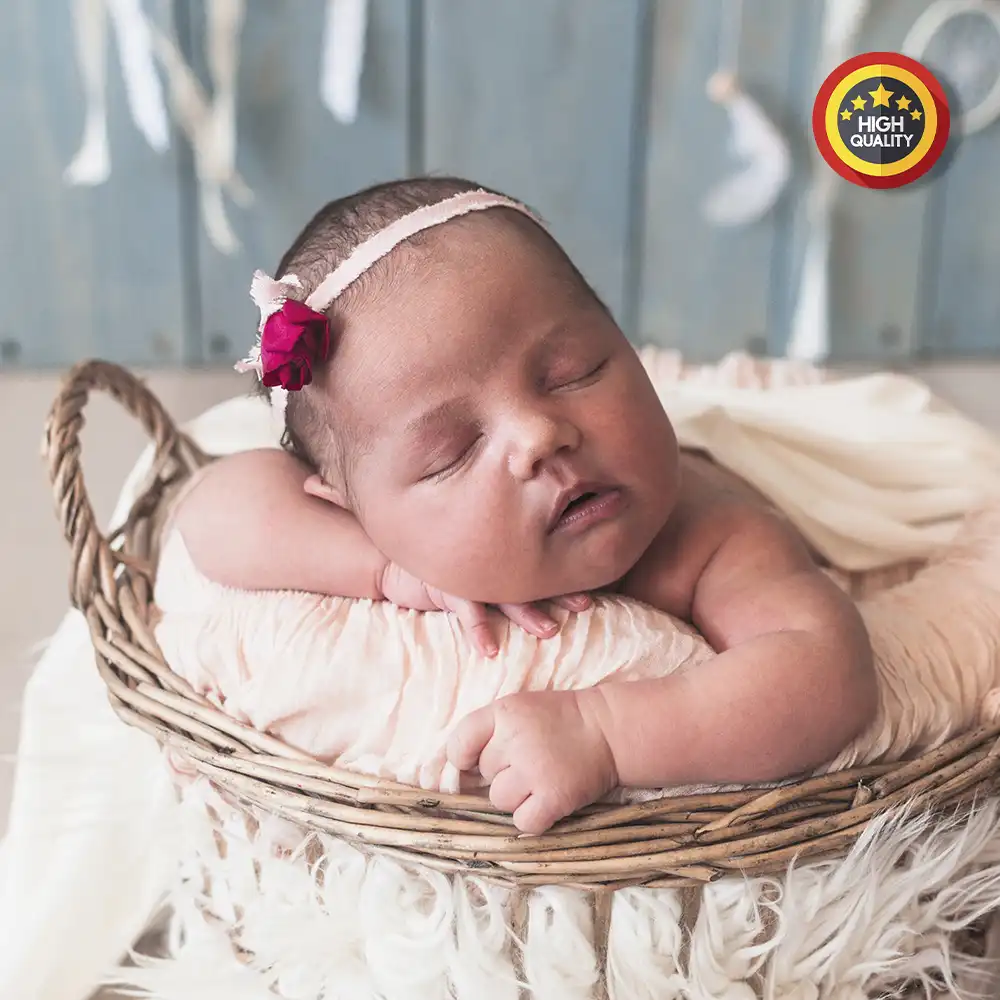
At Image Retouch AI, we offer clear, flexible, and customized pricing for businesses, photographers, and brands worldwide. Our competitive packages are designed to handle projects of any scale—from large eCommerce batches to high-end retouching—ensuring premium results without compromise. Choose the plan that best fits your project and get started today.”
✅Image Optimization for Web
✅Adjust Compression Levels
✅Resize Dimensions (if required)
✅Maintain Aspect Ratio
✅Batch Compression for multiple images
✅Format Conversion (e.g., PNG to JPG)


✅Ghost Mannequin Removal
✅Neck Joint Retouching
✅Bottom Joint Retouching
✅Shadow Addition
✅Color Correction
✅Resizing & Templating


✅ Adjusting Brightness & Contrast
✅ Background Removal
✅Cropping &Resizing
✅Shadow Creation
✅Retouching Imperfections
✅Templating


✅Skin smoothing
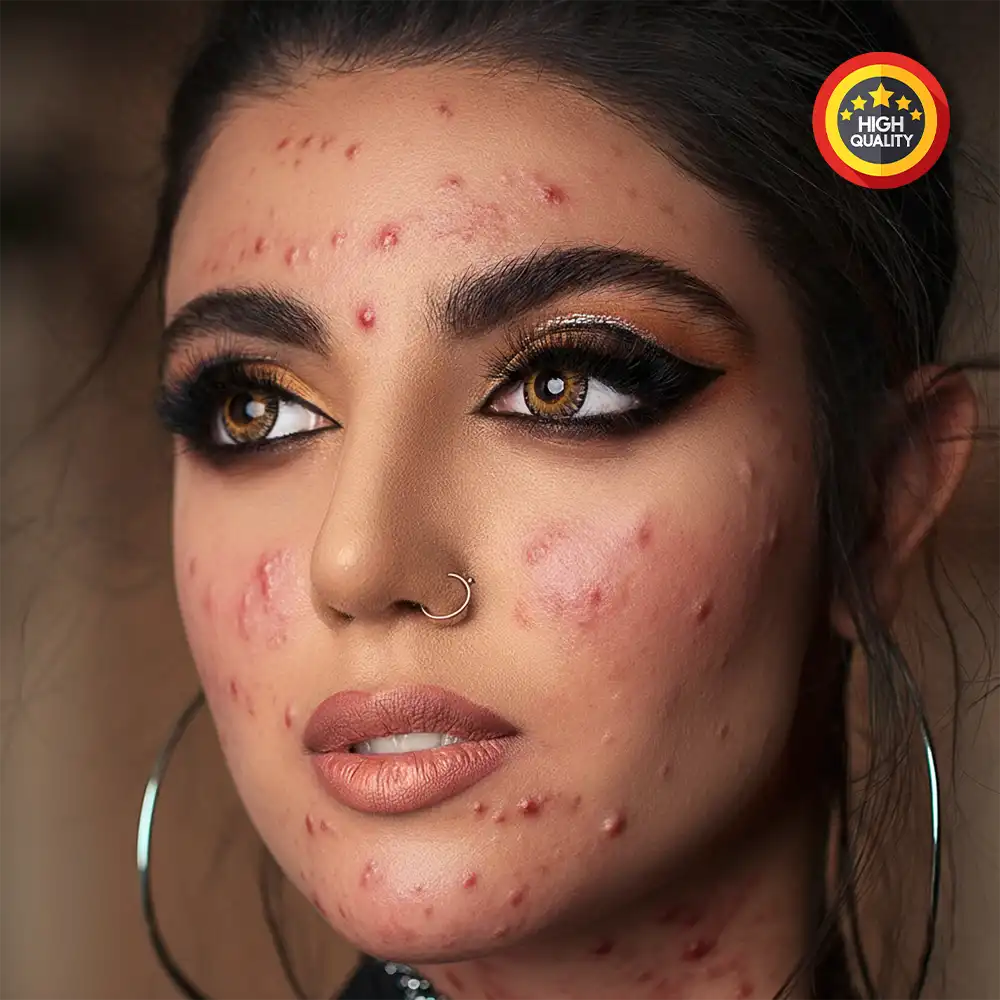
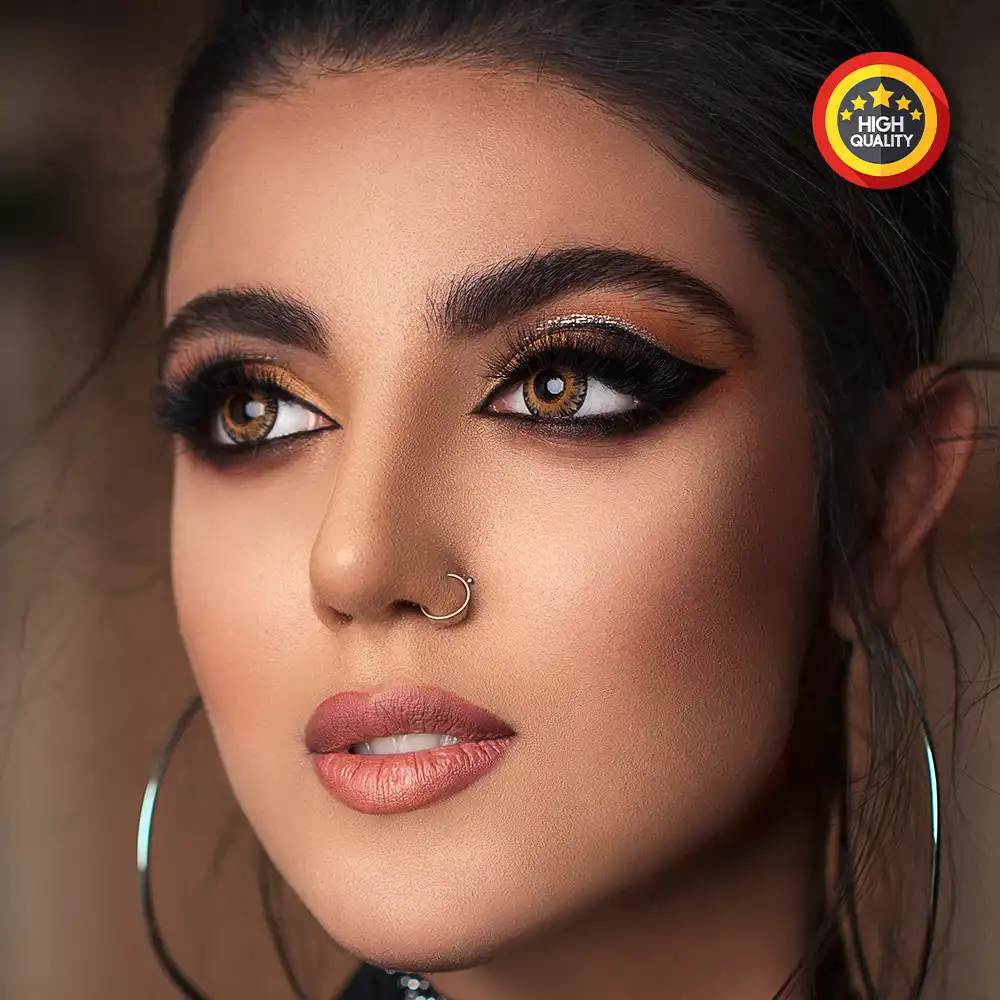
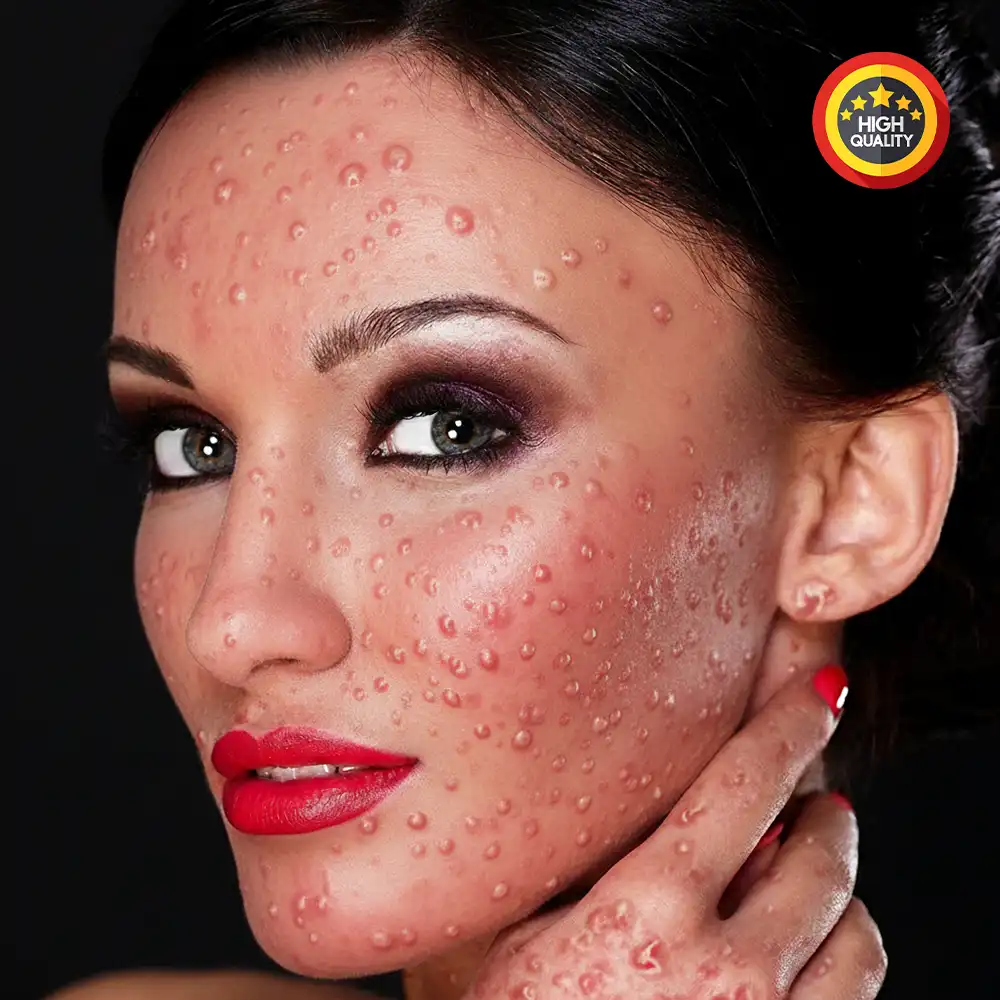
✅Blemish removal
✅Body contouring
✅Hair retouching
✅Color correction
✅Etc.


✅Body/face contouring
✅Makeup enhancement
✅Skin Smoothing and Texture Refinement
✅Blemish and Imperfection Removal
✅Eye and Teeth Enhancement
✅ Sharpening and Fine Details Adjustment


✅Skin smoothing
✅Blemish Removal
✅Teeth Whitening
✅Hair Retouching
✅Body Shaping and Slimming
✅Background Cleanup


✅Reflection and Shine
✅Background Removal
✅Color Correction and Enhancement
✅Blemish and Scratch Removal
✅Stone Color Enhancement
✅Adjusting Shadows and Highlights
✅ Retouching Metal Texture
✅Detail Sharpening
✅Resizing and Cropping


✅Skin smoothing
✅Redness reduction
✅Skin Smoothing and Softening
✅Blemish and Redness Removal
✅Eye Brightening
✅Body Contouring (if necessary)
✅Enhancing Natural Textures (hair, skin)
✅Adding Soft Effects or Filters
✅ Resizing & Cropping


✅Exposure adjustment
✅White balance correction
✅Adjusting Exposure Levels
✅White Balance Correction
✅Saturation and Vibrancy Adjustments
✅Contrast Enhancement
✅Shadow and Highlight Tuning
✅Resizing & Cropping


✅Background removal
✅Color Correction and Enhancement
✅Cropping and Resizing
✅Shadow Creation
✅Scratch Removal
✅Texture Enhancement
(wood, fabric, etc.)
✅Adjusting Light and Contrast
✅Reflection and Shine Adjustment


✅Shadow addition
✅Create Natural Shadow
✅Create Reflection Shadow
✅Shadow depth adjustment
✅Adjust Shadow Opacity and Blur
✅Positioning Shadows
(based on light source)
✅Layering Shadows for Depth
✅Final Adjustment for Consistency


✅Background removal
✅Color Correction and Enhancement
✅Cropping and Resizing
✅Templating
✅Blemish and Scuff Removal
✅Shadow Creation for Depth
✅ Enhancement
✅Reflection Adjustment (if applicable)
✅Final Output Consistency


Image Retouch Ai © All rights reserved